Height Deformers
Real height, real proportions — ten steps from +5 to +50 cm, one HUD.
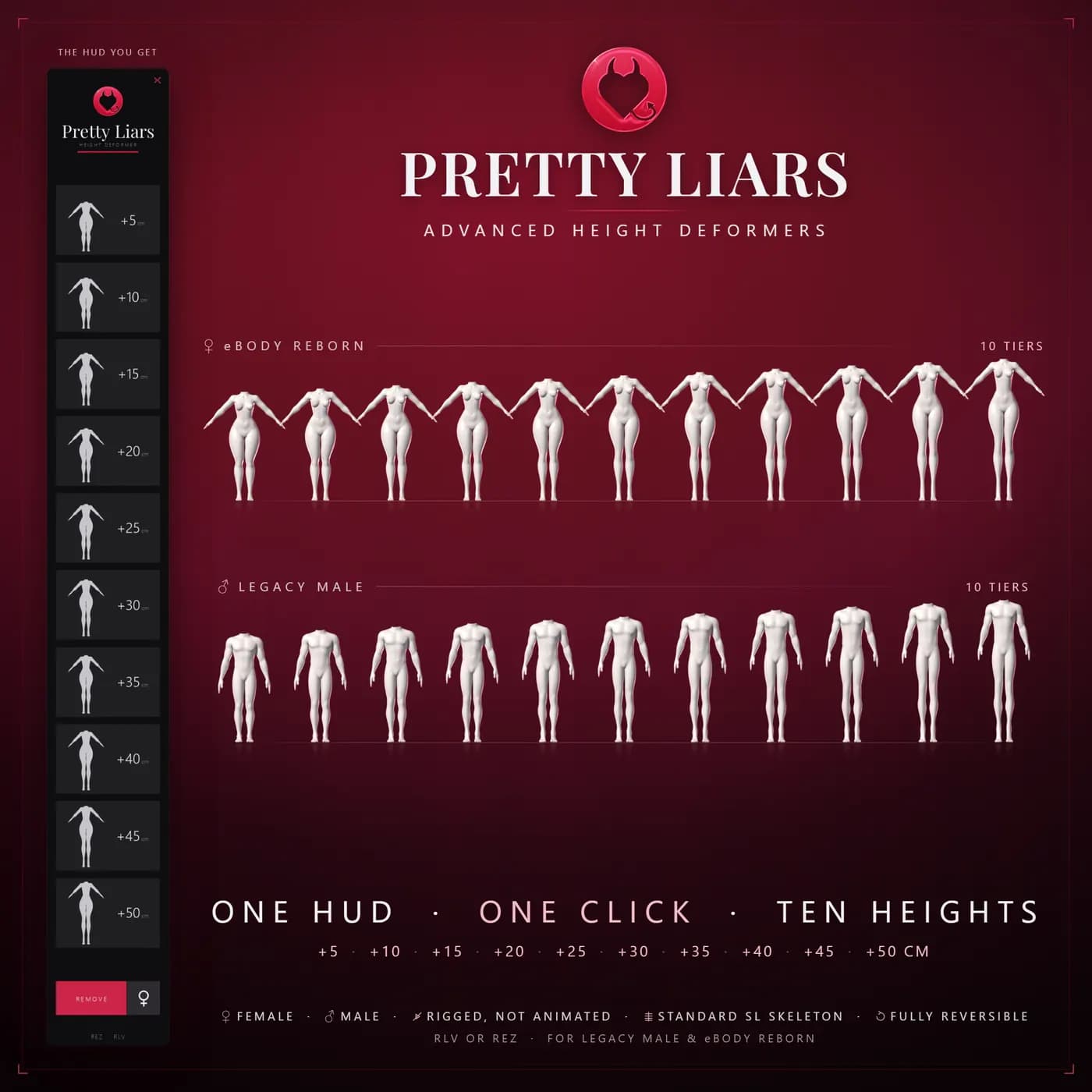
You get taller, not longer.
These deformers don't stretch your body like a texture trick. They change the skeleton your avatar is built on, the same way a shape slider does, so you gain real height that everyone around you sees — your arms, neck, head and feet keep their proportions.
Height Deformers in action
Highlights
One HUD, one click, ten heights
Touch a height on the HUD and it's on — ten steps from +5 cm to +50 cm in 5 cm increments, no folders to dig through.
Real height, real proportions
The deformer reshapes your skeleton like a shape slider, not a texture stretch, so your arms, neck, head and feet keep their proportions.
RLV or Rez, your choice
RLV attaches instantly with no permission windows, on any land. Without it, the HUD falls back to a rez-and-attach step that needs build rights.
Reversible, full copy permissions
Take it off and the height is gone — nothing in your shape is ever edited. Everything in the box is copy, so you can't lose it.
Ten Heights


Swipe to see all ten tiers
How It Works
Wear the HUD
Attach the Height Deformer HUD like any other product.
Read the two chat lines
The HUD tells you in local chat whether you're set up for the instant RLV path or the Rez fallback.
Touch a height
Pick any of the ten heights, from +5 cm to +50 cm. A green IN USE appears once it's actually attached — touch another height to swap, or REMOVE to take it off.
Compatibility
The HUD you get
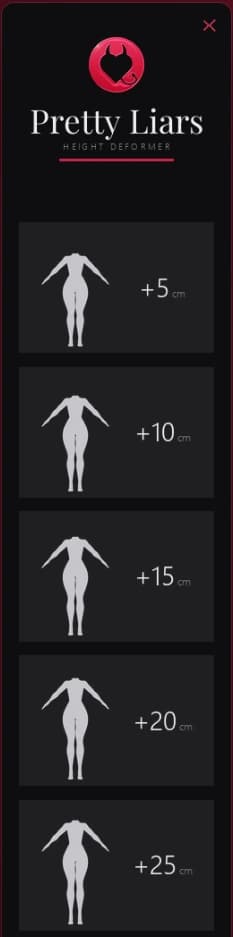
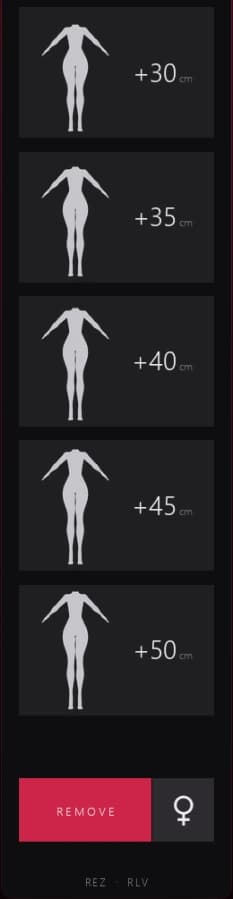
Ten heights, one touch
Each button carries a silhouette and its own +cm value — touch one and it's on.
REMOVE and the male/female toggle
The bottom row. The HUD auto-detects your body; the toggle is only for when it guesses wrong.
IN USE means attached
The green marker appears once the deformer is actually on you, not just when you click.
Frequently Asked Questions
RLV is on, but the HUD says the folder is missing
Drag the "Pretty Liars Height Deformers" folder into your #RLV folder at the very top of your inventory (next to #Firestorm), not inside any other folder, and keep the ten subfolders exactly as they came. No #RLV folder? Turn RLV on and restart the viewer; most viewers create it for you. If yours does not, right-click Inventory > New Folder and name it exactly #RLV.
The HUD says my viewer didn't answer @versionnew
RLV isn't enabled. In Firestorm: Preferences > Firestorm > Extras > "Allow Remote Scripted Viewer Control (RLVa)", then restart the viewer. The HUD still works the slow way in the meantime.
The HUD says this parcel does not allow rezzing
You're on land where you can't build and RLV is off. Turn RLV on, or step onto land where you have rez rights.
It didn't attach, or the HUD mentions 38 attachments
Second Life allows 38 attachments including HUDs. Take something off and touch the height again.
The HUD found several deformers and removed all but one
Two height deformers attached at once make Second Life pick your height for you instead of the HUD. It tidied up automatically — nothing is wrong.
Does this edit my shape permanently?
No. The height goes away the moment you take the deformer off, and nothing about your shape is ever edited.
Will the height read exactly +N cm on me?
Heights are measured from a standard shape. Yours may read a centimetre or two differently depending on your own proportions; the gain is the same either way.
What's in the box?
The Height Deformer HUD, a folder with the ten height deformers, and this product's notecard. Everything is copy.
Curious about the rest of the collection?
Back to All Products